



Lookalike Audiences Explained – Scale Your Ads Like a Pro









Lookalike Audiences Explained – Scale Your Ads Like a Pro

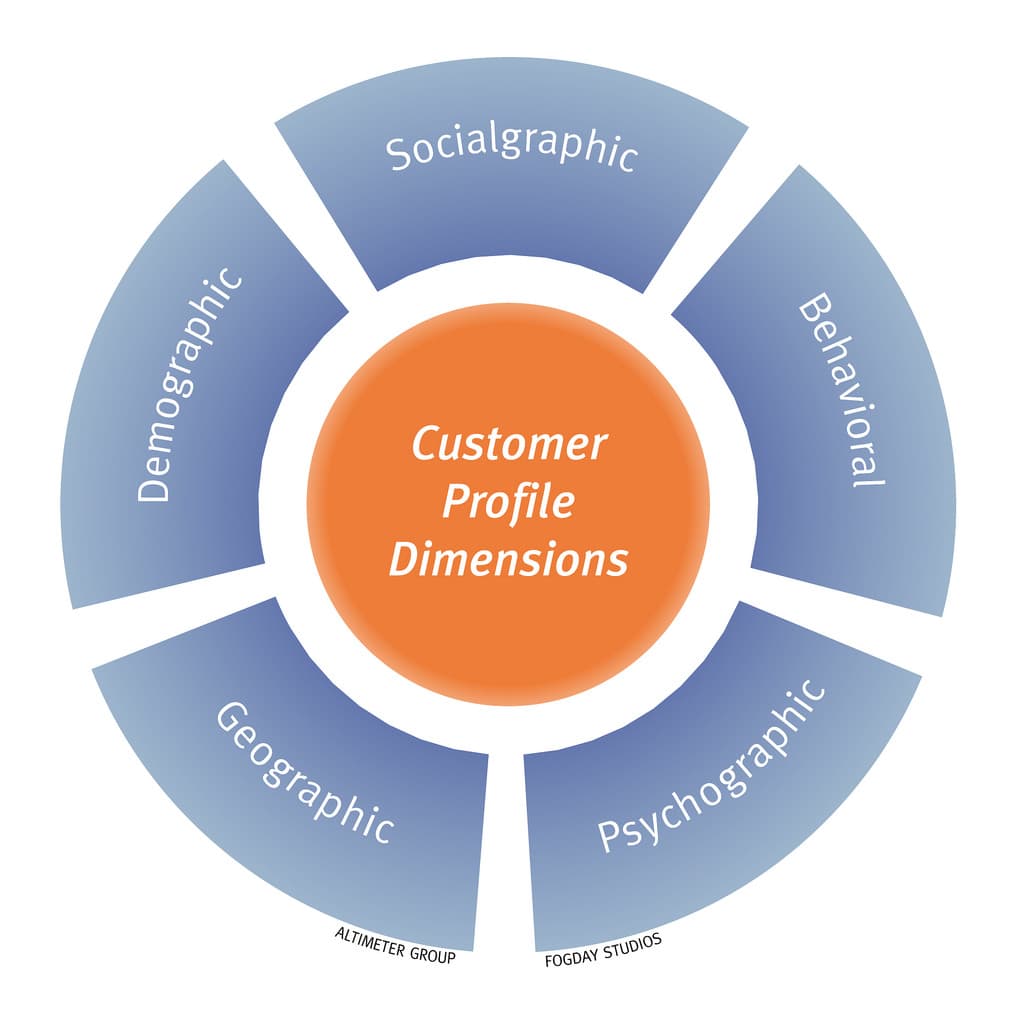


What are Lookalike Audiences?
Lookalike Audiences are a powerful advertising feature that allows you to find new people who are similar to your existing customers or audience.
Platforms like Meta Ads Manager and Google Ads analyze your source audience (customers, website visitors, or leads) and automatically target users with similar behaviors, interests, and demographics.
👉 In simple words:
“Find more people like your best customers.”
Why Lookalike Audiences Matter
🎯 Better Targeting
Reach people who are more likely to convert.
📈 Higher ROI
Improves ad performance and reduces wasted spend.
🚀 Faster Scaling
Expand your campaigns without losing quality leads.
🧠 Data-Driven Marketing
Uses real user data instead of guesswork.
How Lookalike Audiences Work
- You upload or select a source audience
(e.g., website visitors, email list, past buyers) - Platform analyzes:
- Behavior
- Interests
- Demographics
- It creates a new audience with similar characteristics
- You run ads targeting this new audience
Types of Source Audiences
1. Customer List
Upload emails or phone numbers of existing customers.
2. Website Visitors
Use tracking tools like Google Analytics or pixels to track visitors.
3. App Users
People who interact with your mobile app.
4. Engagement Audience
Users who interacted with your:
- Social media posts
- Videos
- Ads
Lookalike Audience Size Explained
- 1% Lookalike → Most similar, high conversion rate
- 2–5% → Balanced reach + performance
- 5–10% → Larger reach, slightly lower accuracy
👉 Smaller percentage = Better targeting
👉 Larger percentage = More reach
How to Create Lookalike Audiences
On Meta Ads Manager:
- Go to Audiences
- Select “Create Audience”
- Choose “Lookalike Audience”
- Select your source audience
- Choose location & audience size
- Create and use in campaigns
On Google Ads:
- Use “Similar Segments” (automatically generated)
- Based on your remarketing lists
Best Practices for Maximum Results
✔ Use High-Quality Source Data
Your results depend on your input audience.
✔ Start with 1% Audience
Get better conversions before scaling.
✔ Combine with Retargeting
Use lookalike for new users and retargeting for warm leads.
✔ Test Multiple Audiences
Try different audience sizes and sources.
✔ Refresh Regularly
Update your source audience for better accuracy.
Common Mistakes to Avoid
- ❌ Using small or poor-quality data
- ❌ Targeting too broad too early
- ❌ Not testing different variations
- ❌ Ignoring audience overlap
Pro Tips
- Create lookalikes from high-value customers (not just all users)
- Use conversion-based audiences (buyers, leads)
- Combine with strong creatives for best results
- Monitor performance and optimize continuously
Real-World Example
If you upload 1,000 customers who already purchased your product, platforms can find thousands of similar users who are likely to buy—helping you scale efficiently.
Conclusion
Lookalike Audiences are one of the most powerful tools in digital advertising. They help you reach highly relevant new users, improve conversions, and scale campaigns profitably.
By using platforms like Meta Ads Manager and Google Ads, you can turn your existing data into a growth engine for your business 🚀
Trending Hashtags
#LookalikeAudience #DigitalMarketing #FacebookAds #GoogleAds #PerformanceMarketing #AudienceTargeting #LeadGeneration #MarketingStrategy #AdsScaling #BusinessGrowth